
A coworking space can run on a few ordinary moments.
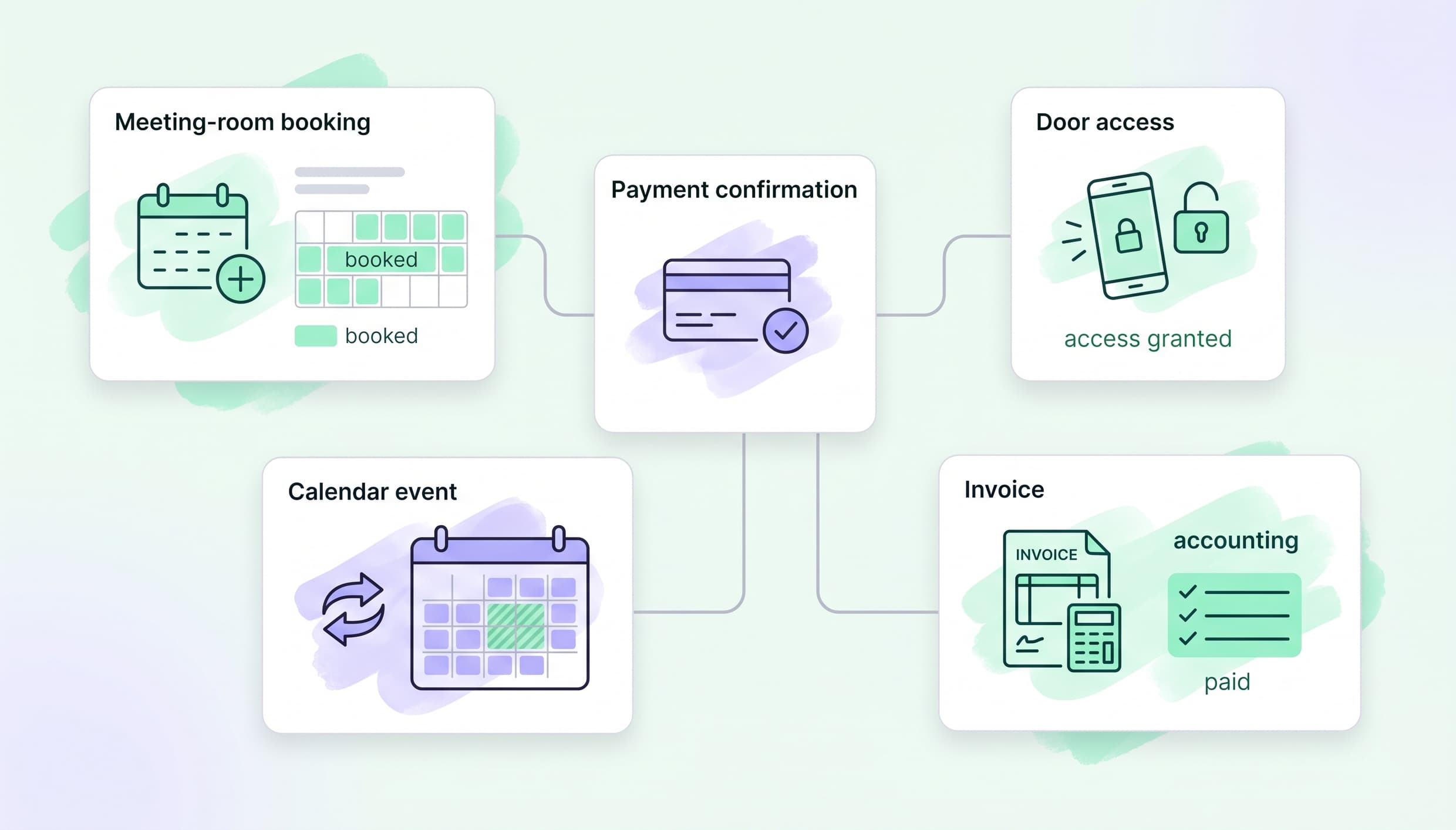
Someone finds a meeting room online. They book it. They pay. They arrive at the door. Your team needs the booking in the calendar and the invoice in the right place.
When each step lives in a different tool, people become the connection between them. Someone checks the booking, sends a payment link, shares a door code, then later exports an invoice. That works—until the space gets busier or something goes wrong.
Integrations help join those steps up. They do not replace your team. They remove the small, repeated handoffs that make the day feel harder than it needs to be.
Start with the workflow, not the app
The most useful question is not “Which integration should we add?” It is: “What do we keep doing by hand?”
| If this keeps happening | Look at |
|---|---|
| Staff update door access every day | Access control |
| People struggle to pay for bookings or memberships | Payments |
| Finance re-enters billing information | Accounting or e-invoicing |
| Staff check several calendars before confirming a room | Booking and calendar sync |
| Tour leads disappear into inboxes | CRM and scheduling |
| The same internal follow-up happens again and again | Automation |
A good first integration is usually not exciting. It removes one annoying task that keeps coming back.
For example, if your manager spends half an hour each morning checking who should have access, start there. If month-end means exporting invoices and cleaning up duplicate records, solve that first instead.
What an integration actually does
An integration lets two tools share the information they both need.
That could mean:
- A valid membership or booking gives someone the right access credentials
- A room booking appears in a team calendar and, where appropriate, can be shared with marketplace channels
- Selected invoice details move into accounting software
- A tour request creates or updates a lead record
Before switching anything on, get clear on four things:
- What moves? A booking, invoice, contact, access permission, or payment detail?
- Which system is final? When two tools disagree, where should staff look?
- How fast does it update? Immediately, on a schedule, or only after an action?
- What is the backup plan? What does the team do if the connection or internet is down?
Access control: make door rules match your real rules
Access control matters because the problem is physical. When it fails, a member is standing outside.
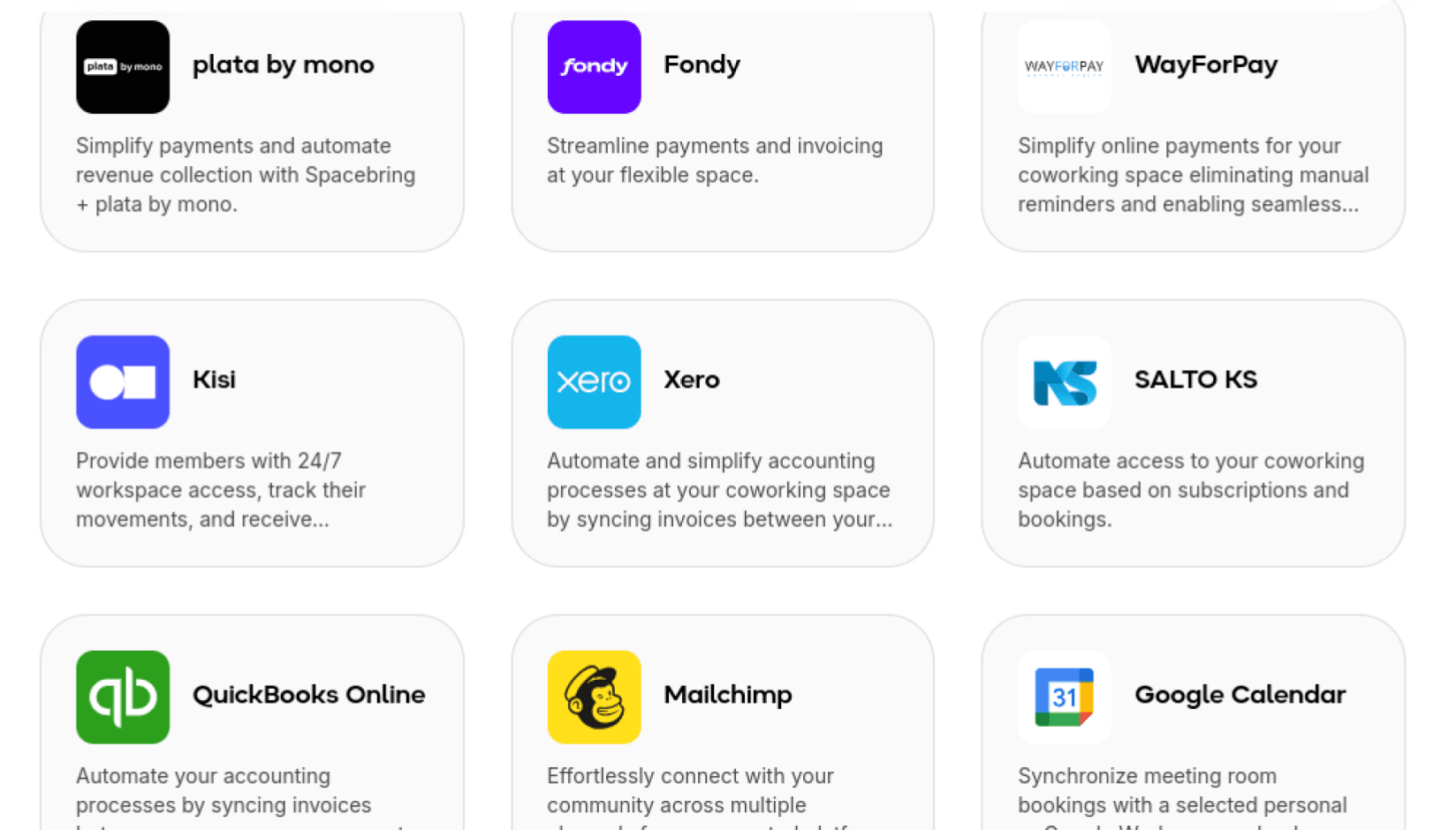
Options such as Kisi, SALTO KS, Brivo, Avigilon Alta, Tapkey, and Luckey can connect access rules with valid subscriptions or bookings, depending on the provider and setup. See the available access-control integrations for supported options.
Ask practical questions:
- Does a full-time member have 24/7 access or only certain hours?
- Can a meeting-room guest enter only for their booking window?
- How do you give temporary access to a cleaner or contractor?
- What does staff do when the internet is unavailable?
Test it at the door. Create a test member, a test guest booking, and a cancelled booking. Trying the real door will teach you more than reviewing settings on a screen.
Payments: make buying easy for everyone
Payments are not only about members. They cover day-pass visitors, meeting-room guests, event attendees, and companies paying invoices.
Different providers are good at different things. Some handle recurring membership charges well; others are better for local payment methods, payment links, one-off purchases, or specific currencies. Examples include Stripe, PayPal, Mollie, Paystack, Xendit, Mercado Pago, and regional providers.
Ask:
- How do people prefer to pay in our market?
- Do we need recurring payments, one-off checkout, or both?
- Can we issue the receipts and invoices we need?
- Who resolves a failed payment or refund?
Test the awkward cases: a failed payment, a refund, and a cancellation. The happy path is easy; exceptions create the support work.
Accounting: stop rebuilding the same records
An accounting connection should give finance cleaner information, not another system to babysit.
Tools such as Xero, QuickBooks Online, Exact Online, Holded, Odoo Accounting, and Zoho Books can receive selected billing information. Operators on Xero specifically can also chat with Xero data in Claude directly, which is useful for answering a quick billing question without opening the accounting tool itself. Depending on your market, e-invoicing and compliance connections such as Peppol, ZATCA Fatoorah, VERI*FACTU, myDATA, or KSeF may matter too.
Before launch, ask your accountant:
- Which records should move: invoices, payments, refunds, contacts, or tax data?
- Is the connection one-way or two-way?
- How should memberships, room bookings, and extras appear in the accounts?
- Who fixes a duplicate contact or corrected invoice?
A meeting-room booking and a monthly membership may be different revenue lines. A good setup keeps that distinction clear without manual sorting later.
Bookings, calendars, and marketplaces: keep availability honest
A Google Calendar connection can help your team see resource bookings where they already work. Teams comparing broader collaboration tools can also explore Google Workspace alternatives for email, documents, chat, and calendar workflows. Calendly and HubSpot Meeting Scheduler can make tour scheduling easier, but they are not room-inventory systems.
Marketplace connections such as LiquidSpace, Croissant, and Office Hub can help you reach more demand. They also create another place where availability, prices, and cancellations need to be correct.
Decide this before you connect anything: Which system owns the booking?
That system should be the final record. Calendars and marketplaces should support it, not compete with it.
Test a booking, a change, and a cancellation across every connected channel. That is how you catch double-booking risk before a guest does.
CRM and automation: make follow-up feel personal, not robotic
A CRM is useful when the next person who speaks to a lead has the context they need. It is not useful just because another contact exists in a database.
HubSpot, Salesforce, and Pipedrive can be connected through Zapier workflows. Keep the workflow simple: capture the details your team actually needs—location, team size, move-in date, or office requirements—then make sure the right person can see them.
Automation tools such as Zapier and viaSocket are best for clear, repeated jobs:
- Notify a teammate about a qualified lead
- Create a follow-up task after a tour
- Share a daily booking summary
If you cannot explain an automation in one sentence, it is probably doing too much.
Other useful connections
IronWiFi can support member and guest network access. For members handling sensitive work on shared Wi‑Fi, a residential VPN can add an extra layer of privacy. ezeep Blue and Sindoh can support printing workflows. Twiliocan send invitations and Wi-Fi codes by SMS. Dropbox Sign can support contract-signing workflows. AI tools can help staff find approved information or prepare a first draft, but a person should still review anything involving access, money, or contracts.
These are useful when they solve a real headache. They are not mandatory because they exist.

Discover how hundreds of spaces worldwide unlock success and grow better with Spacebring
A simple rollout plan
- Pick one manual task that causes real friction.
- Write down what information needs to move.
- Decide which system is the final record.
- Test normal use and a messy case: a refund, cancellation, duplicate lead, or internet outage.
- Tell staff what to do when it fails.
- Launch with a small group, one room type, or one location.
- Review after two weeks: did it save time, reduce mistakes, or make life easier for members?
The goal is a calmer operation
The best integrations are not the ones with the longest feature list. They are the ones your team stops noticing because a frustrating manual step has quietly disappeared.
Members can book, pay, and arrive with fewer questions. Staff have fewer tabs open and fewer loose ends to chase. And when something unusual happens, everyone knows where to look and what to do next.
Ready to simplify one workflow?
Start with the task your team repeats most often, then explore the Spacebring integrations directory to see which connections could help. A short review of your current tools is often enough to reveal the best place to start.